
Rekordbox Pioneer CDJ and XDJ Venue safe exports
GigSafe
A DJ preparation utility designed to ensure your music loads and plays reliably on Pioneer CDJ and XDJ systems.
GigSafe never deletes or modifies your original files. All converted files and playlists are created separately, so you remain fully in control of your library.
Designed for
Real world club environments
Built for reliability, quick workflow, and fewer surprises on gig night.
Works with
Rekordbox playlists
Load your Rekordbox XML export, choose playlists, build a plan, then export safe playlists back to your XML.
Scroll to explore
What is GigSafe?
GigSafe prepares your Rekordbox playlists for performance. It scans your selected playlists, identifies compatibility risks, and builds a clear preparation plan, so you can export a venue safe library with confidence.
Analyse playlists
Load a Rekordbox XML export, select playlists, then let GigSafe check what will and will not play on your target Pioneer setup.
Convert only when needed
Unsupported formats can be converted into safe formats, while supported files can be kept as they are, depending on your device preset.
Keep your originals untouched
GigSafe writes everything to a separate output folder and creates new playlists, your original collection stays exactly as it was.
Write playlists back to Rekordbox
GigSafe writes new GIGSAFE playlists into your XML, then you import back into Rekordbox to export to USB.
GigSafe is not affiliated with Pioneer DJ or AlphaTheta. Rekordbox is a trademark of its respective owner.
How it works
A simple workflow that fits how DJs actually prep music.
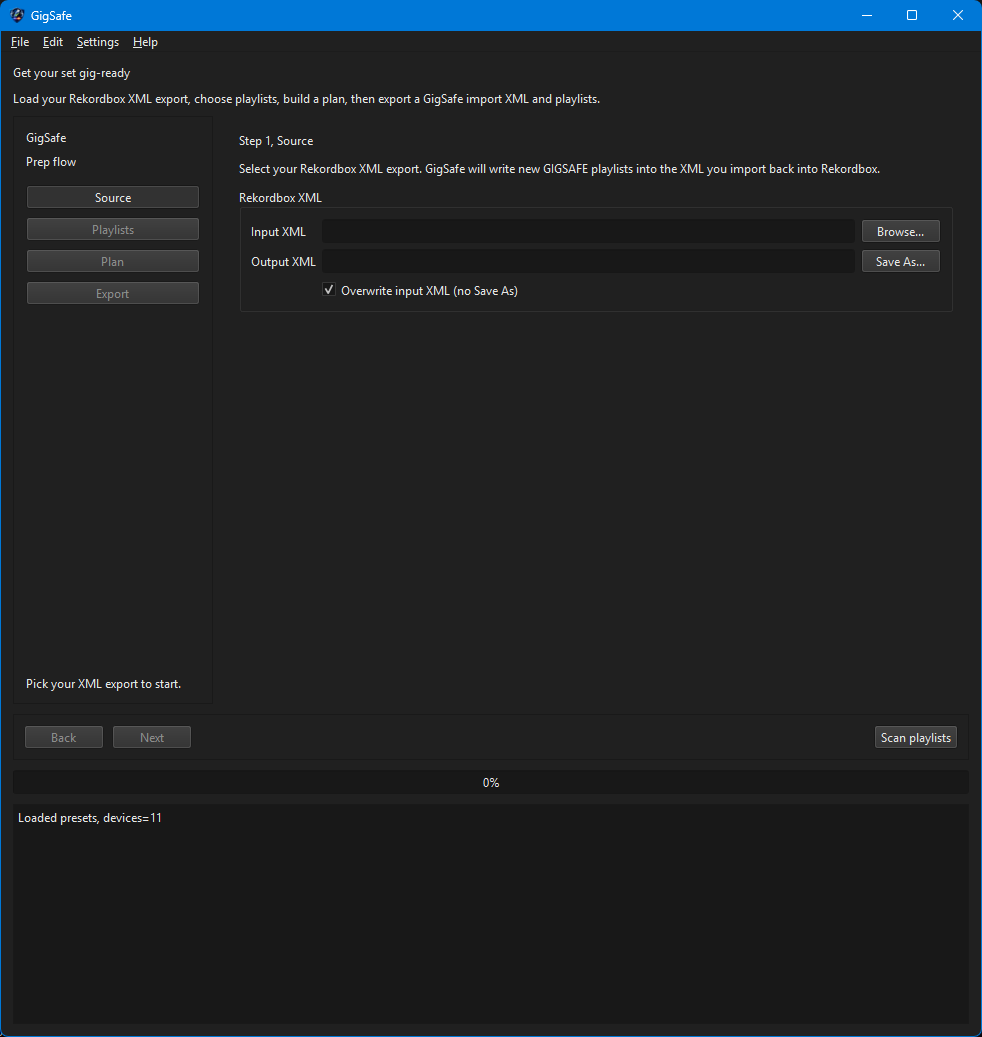
Step 1
Load Rekordbox XML
Point GigSafe at your Rekordbox XML export, then scan playlists.
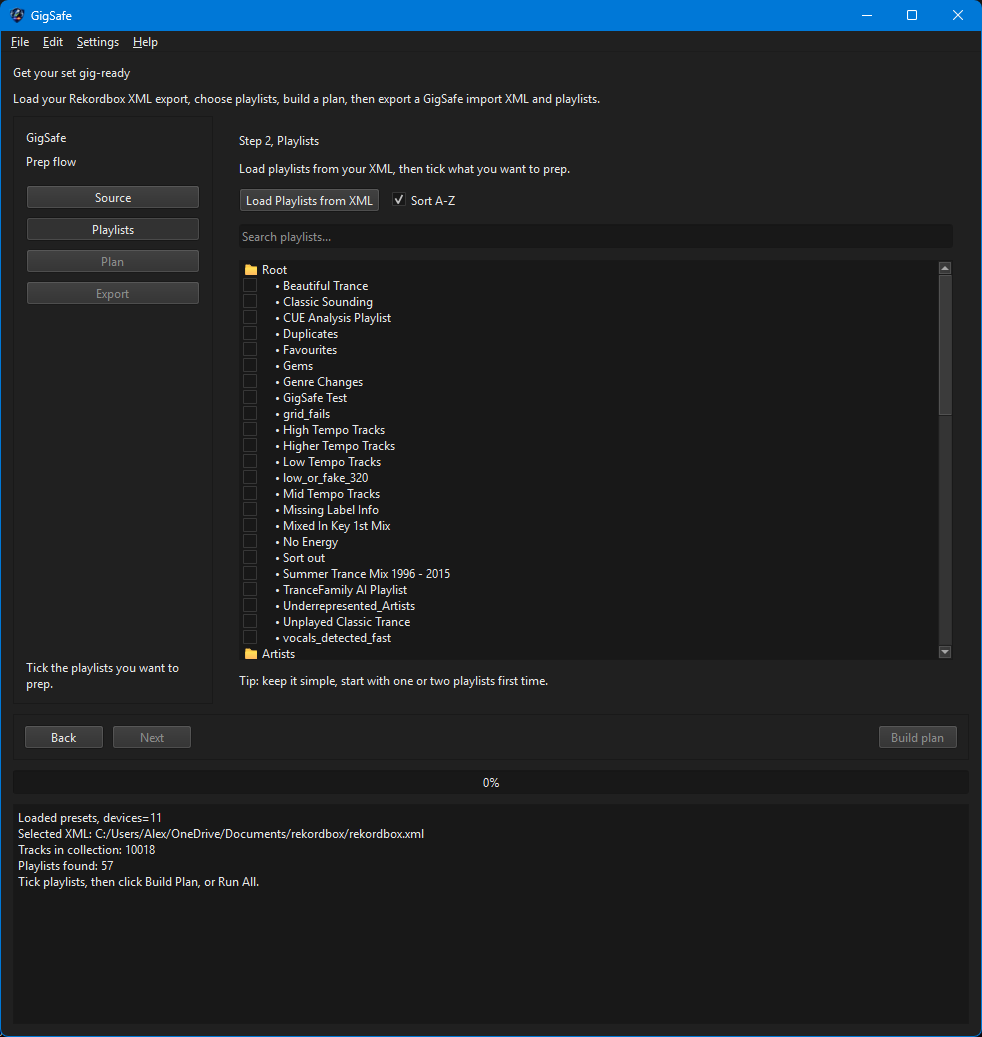
Step 2
Pick playlists
Tick the playlists you want to prep, keep it simple for your first run.
Step 3
Build a plan
GigSafe shows what will be kept, and what needs converting, before it touches anything.
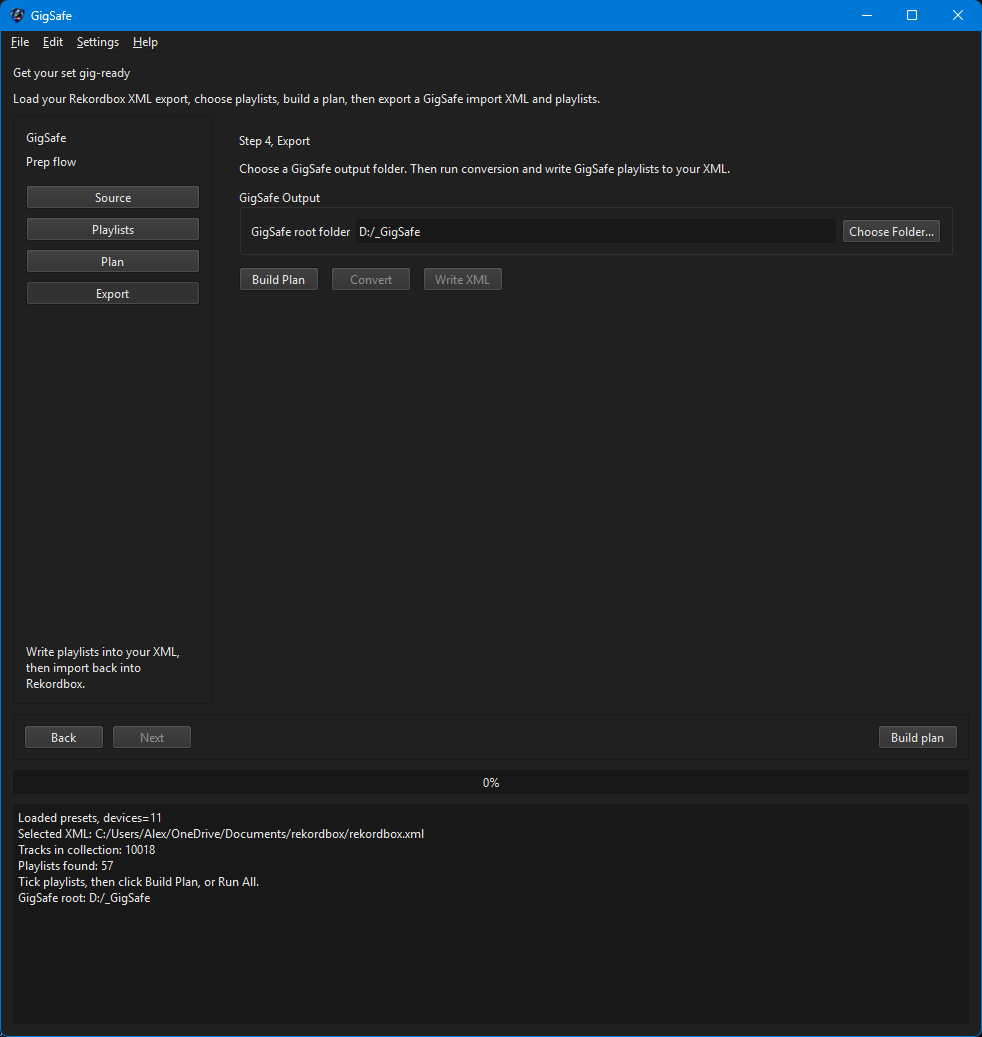
Step 4
Export
Convert files into your GigSafe output folder and write new playlists back into your XML.
Inside the app
A quick look at the prep flow.
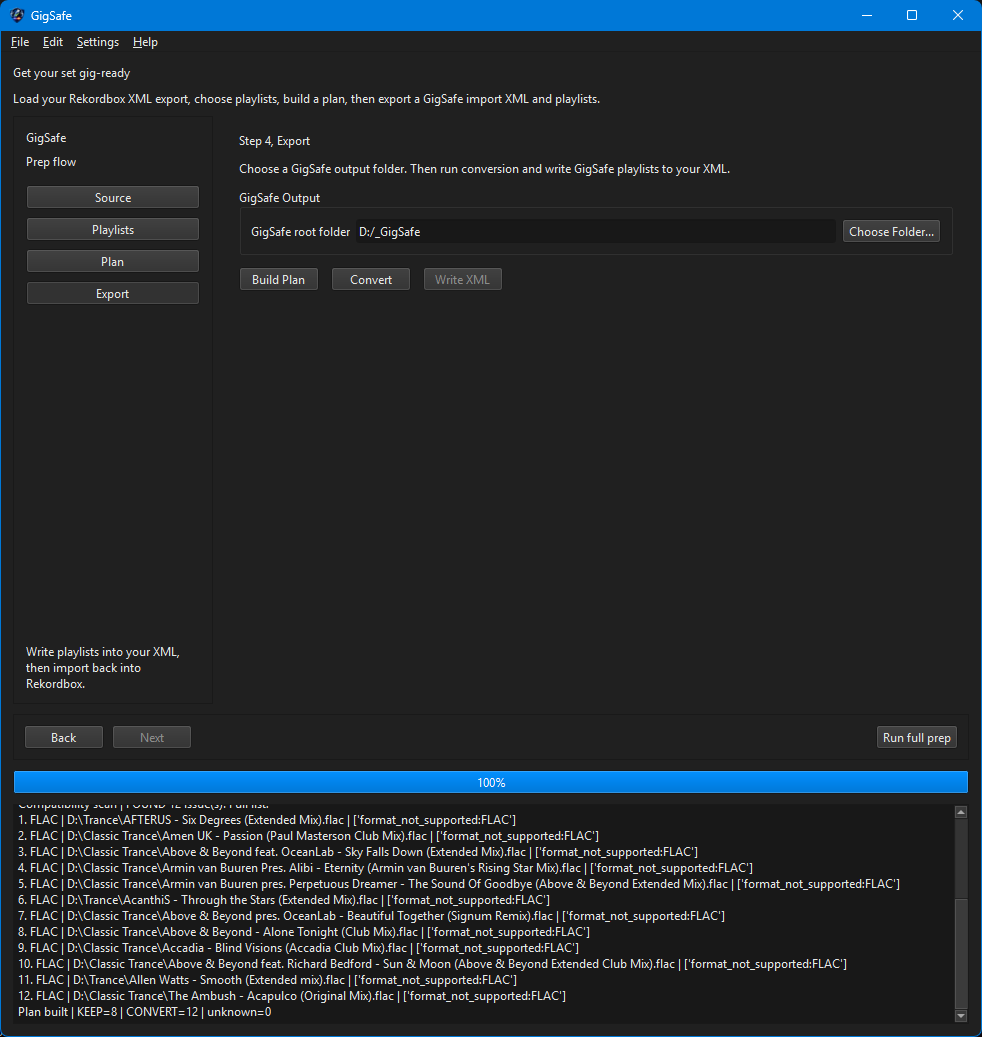
Tip, start with one or two playlists first time, then scale up once you like the results.
Download
Download the installer and get started.
Windows 64-bit. Installer includes the app and presets. FFmpeg is supported if it is already installed, otherwise you can add it to a tools folder.
Licences
Choose a one off licence or a monthly subscription.
Best value
Lifetime licence
One off purchase
£149.99
Pay once, keep using GigSafe.
Flexible
Monthly subscription
Cancel anytime
£19.99 / month
Perfect if you want flexibility.
After purchase you will receive instructions for activation.
System requirements
What you need to run GigSafe.
Windows
Windows 10 or Windows 11, 64-bit.
Rekordbox
Export your Rekordbox collection as XML, then import the GigSafe output XML back into Rekordbox.
FFmpeg
If FFmpeg is installed on your PC, GigSafe will use it automatically. If it is not installed, you can optionally add ffmpeg and ffprobe into a tools folder.
Storage
Make sure your output drive has enough free space for converted files, your original library is not modified.
FAQ
Does GigSafe delete or change my original music?
No. GigSafe creates a separate output folder and writes converted files there. Your original files remain untouched.
Do I need FFmpeg?
Only if you are converting files. If you already have FFmpeg installed, GigSafe will use it automatically. If you do not, you can install it, or place ffmpeg and ffprobe in a tools folder.
Is GigSafe affiliated with Pioneer DJ or AlphaTheta?
No. GigSafe is an independent tool built for DJs. Rekordbox and Pioneer are trademarks of their respective owners.
Want help or have a feature request, email alex.eneas@outlook.com.